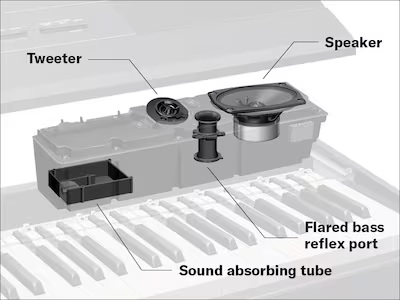
So, how did my predictions (leaks) turn out?
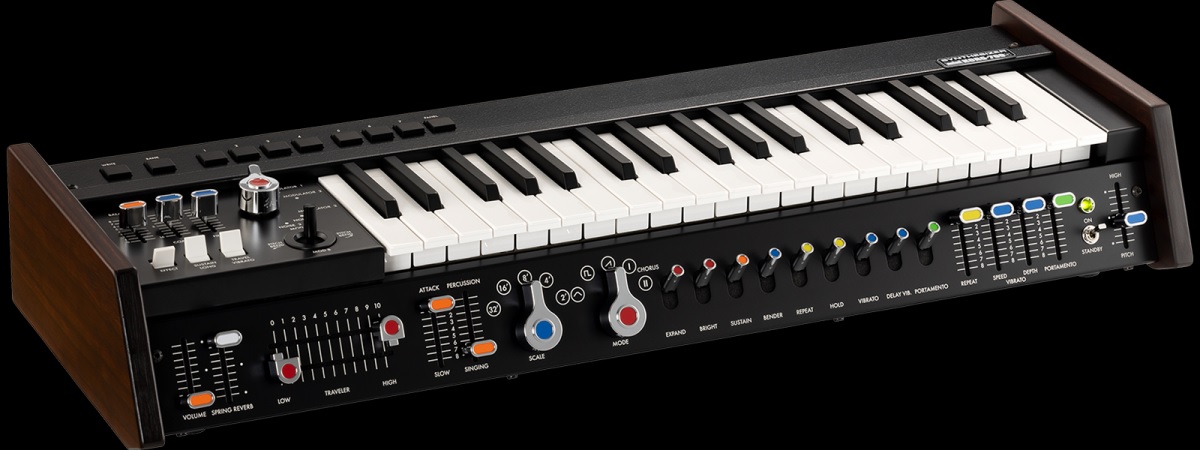
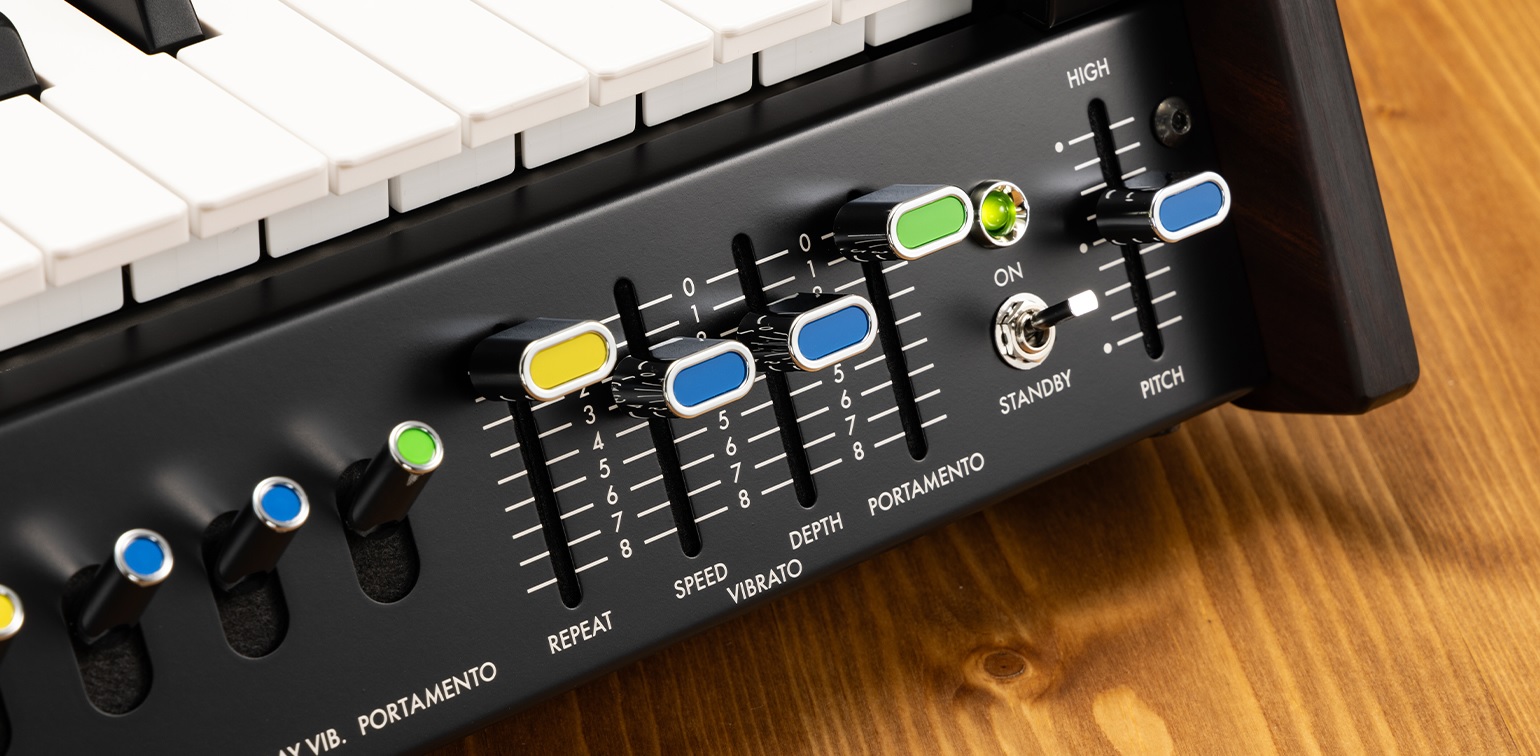
Yamaha announced the new CK76 model this week. Expected price, $1,249.99, was right on.
Teenage Engineering announced previously leaked products and more!
- EP-35 K.O. AMP: $399 USD, 399 Euro.
- EP-127 K.O. PEDAL: $99 USD, 99 Euro
- Amptenna: Surprise! 29 Euro
- Handy Mic: Surprise! $29 USD, 29 Euro
- 16GB USB Drive: Surprise! $29 USD
I did pretty a good job predicting TE’s prices. TE don’t want to cannibalize OB-4 Magic Radio sales ($679 for a stereo unit).
TE love cases and docks. The K.O. Dock Kit sticks EP devices to the EP-35 grill. The Amptenna enables an FM radio through the AMP’s EP port. The EP-35 Eyelet Bag, Pocket Bag, Strap and Cylinder Case give you places to store EP-35 stuff. Cases for cases. 🙂 You can buy the mic, dock, USB drive and Amptenna in a bundle for 89 Euro.
“Amptenna” is sure to trigger everyone’s spelling corrector.
Does the Handy Mic have any tricks like the EP-2350 TING? Since it’s cheaper than TING, nope. Handy Mic is an XLR electret condenser microphone with push-to-talk button. It requires phantom power.
The 16GB USB Drive accessory plugs into the K.O. AMP and plays back instrumental jam tracks (SIDE A). It also has drum loops, live breaks and beats (SIDE B). I hope the content migrates over to the EP samplers — as if I don’t have enough content for the EP-40 RIDDIM already. 🙂
The two circular areas in the EP-127 K.O. PEDAL leak photo are pressure sensitive buttons for sending expression. Yep, the EP-127 has Bluetooth and! It includes a looper and a metronome. Basic specs from TE:
- Wireless pedal controller for EP-35
- Two pressure-sensitive buttons
- FX, looper, metronome and playback control modes
- Bluetooth LE and USB-C connectivity
- MIDI and HID controller states
- 3.5 mm expression pedal input
- 3.5 mm MIDI out
- Powered by 2x AAA batteries or USB-C
- Dimensions: 176 x 84 x 26 mm
- Weight: 0.2 kg
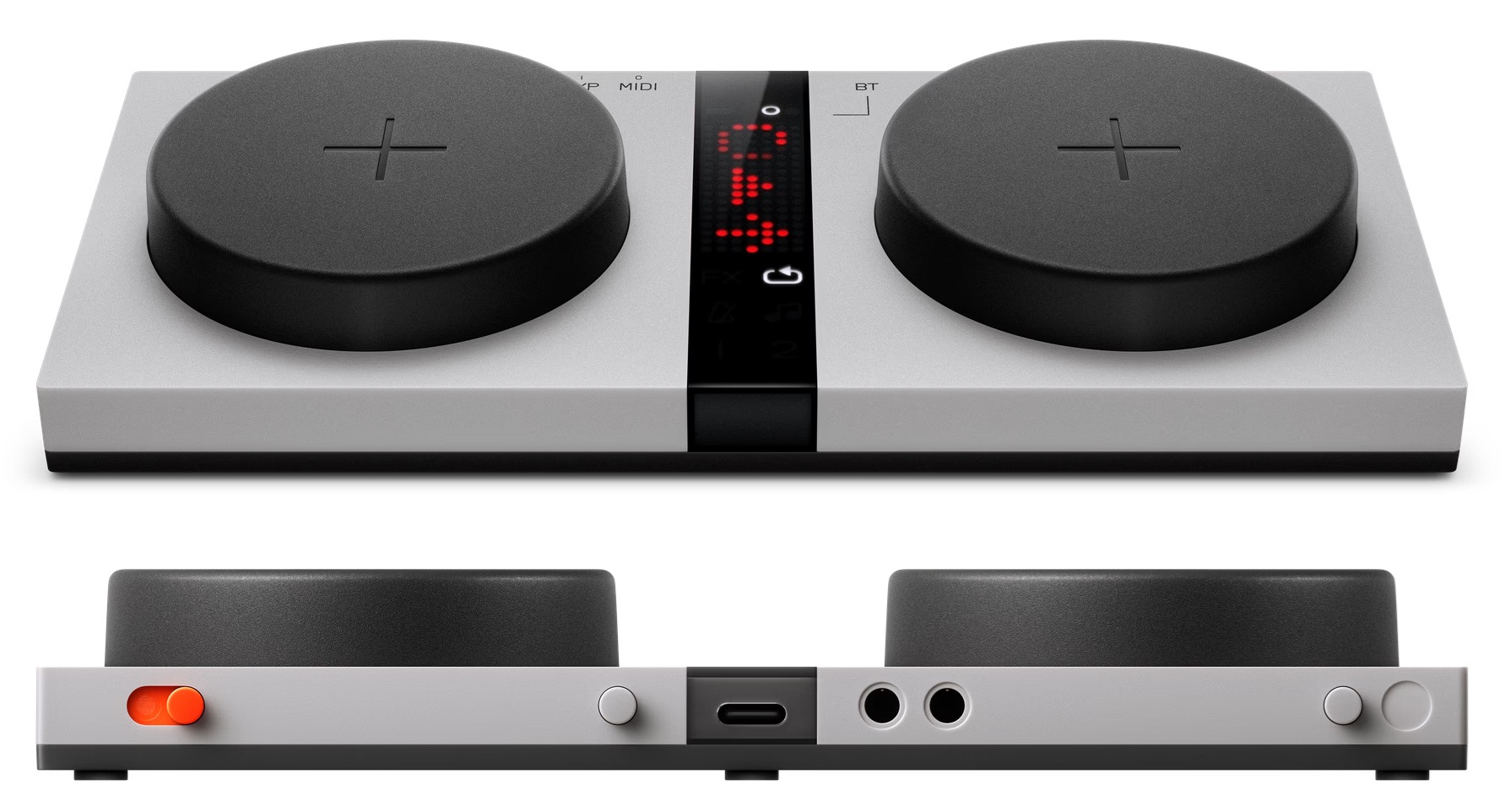
Teenage Engineering EP-127 K.O. PEDAL
As soon as I get a chance, I will dip into the K.O. Pedal and drop a few words about it. Its low price makes it a “no brainer.” The looper feature could be handy, especially if it retains loops in memory. I’m always trying to lighten my schlep and 0.5 pounds ain’t anything.
Winter holidays are coming…
I’ll close with a shameless plug for my EP-40 RIDDIM and EP-136 SIDEKICK PDFs.
Time passes…
Well, I did read the Teenage Engineering EP-127 K.O. PEDAL guide. I recommend reading it before buying to see if EP-127 is for you.
The big take-away: The EP-127 is first and foremost an accessory for the EP-35 K.O. AMP. The PEDAL itself does not possess looper, metronome or effects. Rather, the PEDAL controls the looper, metronome and effects inside the EP-35.
That makes the K.O. EP-35 AMP a sound beast that can loop, apply effects and so forth. It makes the EP-127 less desirable as it does not have any sound processing itself. TE don’t mislead; just be aware of what you’re buying.
The EP-127 can control external MIDI devices, instruments, modules and so forth (MIDI state). The PEDAL also can operate as a HID (Human Interface Device) controller (HID state), e.g., to flip screen pages. Again, read the MIDI and HID parts of the Guide carefully.
Out of the box, the EP-127 MIDI implementation is relatively limited. The MODE button cycles through four modes in the MIDI state:
Mode      Control/interaction        Channel CC/value range
--------- -------------------------- ------- ------------------
FX        Left button / force-press    1/2   CC#12 / 0-127
FX        Right button / force-press   1/2   CC#13 / 0-127
LOOP      Left button / press          1/2   CC#82 / 0 | 127
LOOP      Right button / press         1/2   CC#83 / 0 | 127
METRONOME Right button / press         1/2   Clock / Start | Stop
PLAYBACK  Left button / force-press    1/2   CC#1 / 0-127
PLAYBACK  Right button / force-press   1/2   CC#64 / 0 | 127
The EP-127 sends on either MIDI channel 1 or 2 (selected via the BT button). You can see that only the PLAYBACK mode is the most generally useful, sending modulation and sustain. The other MIDI CCs may or not be meaningful to the receiving MIDI device.
The EP-40 RIDDIM assigns CC#1 modulation to vibrate, CC#12 to FX parameter X, CC#13 to FX parameter Y, and CC#64 to sustain for key and legato voices. the EP-40 also should respond to CLOCK, Start and Stop. 3 modes out of 4 ain’t bad.
At the moment, the configuration is fixed. I hope Teenage Engineering will announce a configuration hack (via JSON?) like the effect hacks for EP samplers. Such a hack would make the EP-127 a more generally useful and desirable product.
Even better, it would be terrific if the EP-127 buttons could send MIDI notes. Those pressure sensitive buttons are dying to be finger-drum pads!
I always say, buy a product as it is today. Don’t buy something and hope for an update or a hack. In my own situation, I’m going to wait and see, especially since I have the Roland/Boss EV-1-WK among other options.
You may be curious about how EP devices dock to the EP-35 K.O. AMP, so here is one last snap.
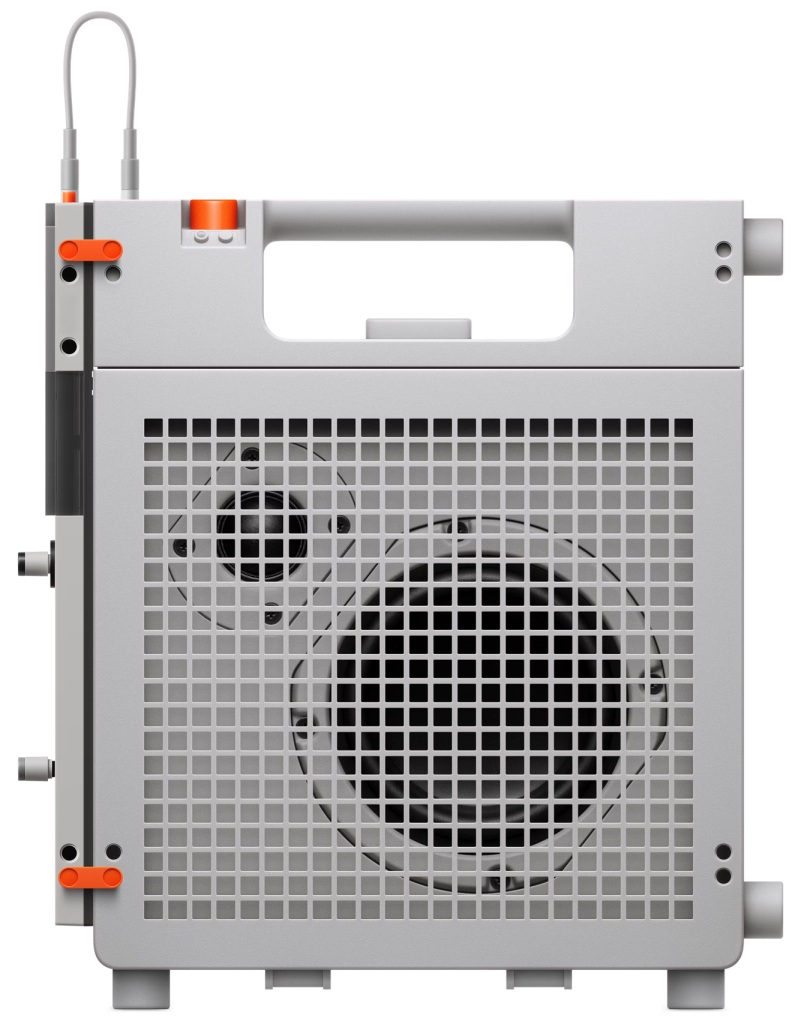
Teenage Engineering EP-35 K.O. AMP docked
The EP-35 form factor is designed to accommodate full- (e.g., EP sampler) and half-sized (e.g., SIDEKICK) EP devices. One hopes those pegs are strong! More and more, the K.O. AMP looks like a consumer product, not PRO.
Copyright © 2026 Paul J. Drongowski